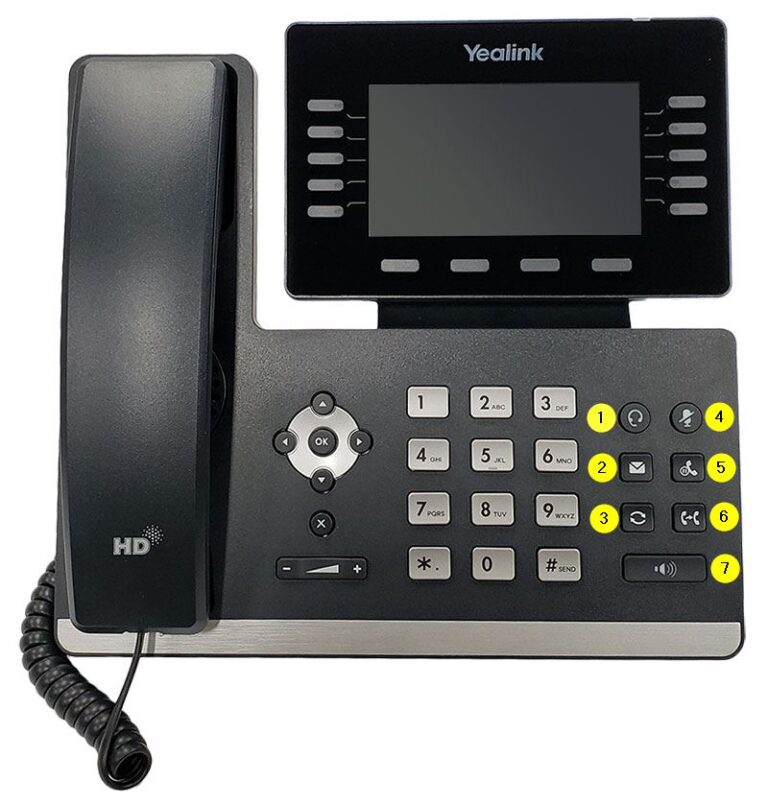
Access Voicemail
Press the button on your phone that looks like an envelope, or dial
extension 5001. When prompted, enter your voicemail PIN. The default PIN is
1234.
Voicemail Options
- Press 1 to review new messages
- Press 2 to review old messages
- Press 3 to send a message to another extension
- Press 4 to set up call forwarding
- Press 5, then 1 to update your PIN
- Press 5, then 2 to record your name
- Press 6 to update your greeting
Complete Setup
Follow the blue voice prompts to finish your setup. Changing your PIN updates it from the default
1234. Recording your name replaces the automated pronunciation, and updating your greeting sets the message callers hear when your phone goes unanswered.